
Your account and login
Your existing ACI OLC or CAOC account will move to Klayo. You do not need to create a new account.
Once Klayo goes live, you'll activate your account using the same email address on file with ACI OLC or CAOC. For the full steps, see Activate and access your new Klayo account.
Your completed courses and certificates
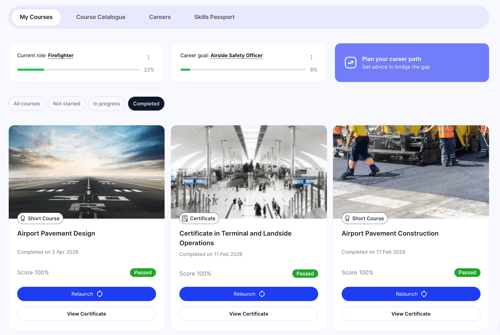
Every course you've completed and every certificate you've earned moves with you. Klayo adds each completed course to your Skills Passport automatically, so your training history is already there when you log in.
Courses you have in progress
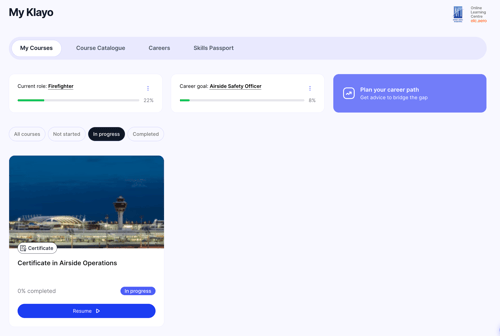
If you're an ACI OLC learner: your progress is saved. Once Klayo goes live, log in and resume any course exactly where you left off.
If you're a CAOC learner: any course you haven't completed by 10th August resets when training moves to Klayo. Your enrolment stays in place, so the course remains available to you, but you'll start it again from the beginning once Klayo is live.
Training managers
If you manage learners, your Manager access moves to Klayo too. You'll see enrolments, progress, and reporting from your Klayo account. For details, see Manage training in the new platform.
Migration dates and process
For exact dates and process, see Upgrade window and platform availability.