Before you start
You'll need Training Manager permissions.
Manage Your Learners
Klayo allows you to view, manage and report on students. Click on Manage then Training to access the manager view.
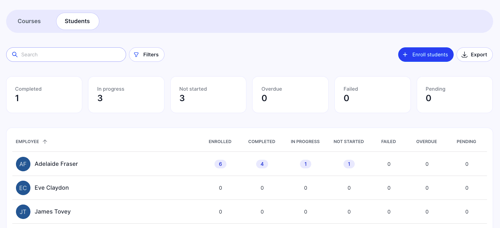
You will be able to track progress across each student, create and enrol students (additional permissions may be required), and export your data.
Manage Your Courses
Klayo also allows you to manage courses and enrolments.
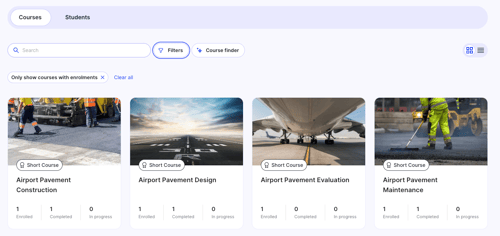
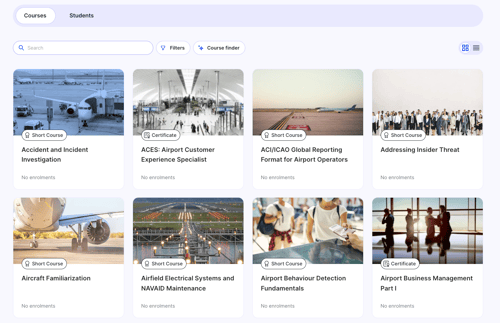
You will also be able to browse the course catalogue and purchase additional courses.
Pre-Paid Credit Balance
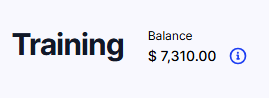
In the training manager view, Klayo will display your pre-paid credit balance. You will be able to use that balance to purchase new courses within the platform (additional organization-based permissions may be required).