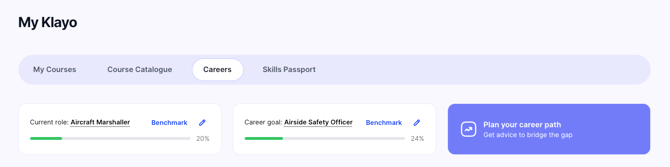
Set your current role and your career goal so My Klayo can benchmark you and build your plan.
- Go to Careers or Skills Passport.
- Select Set career goal (or the pencil icon next to an existing Current role or Career goal to change it).
- Current role: search for and select your role (for example, "marshal").
- Select Continue.
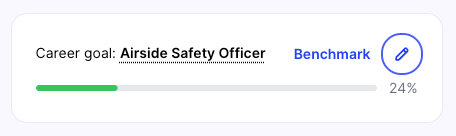
- Career goal: search for and select the role you're aiming for (for example, "airside safety officer").
- Select Save.
Once both are set, you'll see them at the top of both the Careers and Skills Passport tabs, along with your progress toward your goal.